
An Org Chart That Updates Itself
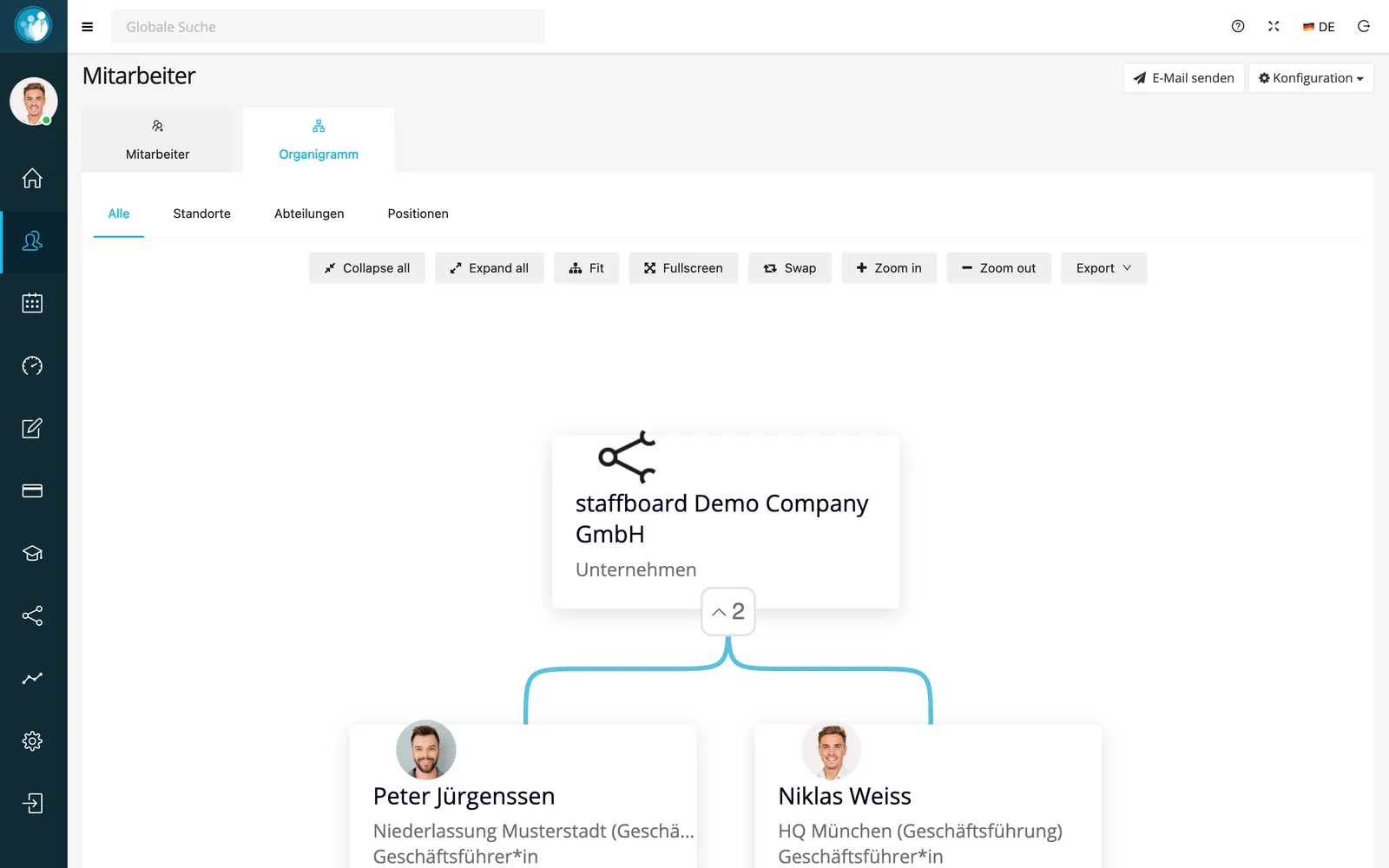
The org chart in the slide deck has been out of date for three hires. In staffboard it is built from the employee file, so it’s always current.
- Built automatically from reporting lines
- Views by location, department and position
- Export for presentations
Why org charts go stale so fast
Because they’re usually maintained by hand.
Drawn, saved, forgotten
The org chart is made once in PowerPoint and never touched again.
Who reports to whom?
New hires don’t know who in marketing is responsible for what.
How the org chart works in staffboard
No upkeep, because the data is already there.
Structure from the employee file
Without staffboard: Moving boxes around in PowerPoint.
The hierarchy comes from the manager set in each employee profile. When that changes, the org chart changes with it.
Switch between the full view, locations, departments and positions, zoom in and export with one click.
In short: the org chart in staffboard
The org chart in staffboard is generated from the manager field in the digital employee file and stays current without extra work.
- Based on
- Manager field in the employee profile
- Views
- All, locations, departments, positions
- Controls
- Expand and collapse, zoom, full screen
- Export
- One click, e.g. for presentations
Frequently asked questions
Do I have to maintain the org chart myself?
No. It is built from the manager data in the employee file and updates automatically.
Can I export the org chart?
Yes, with one click, for example for a presentation.
Your structure at a glance
See the org chart with your own teams in a demo.